
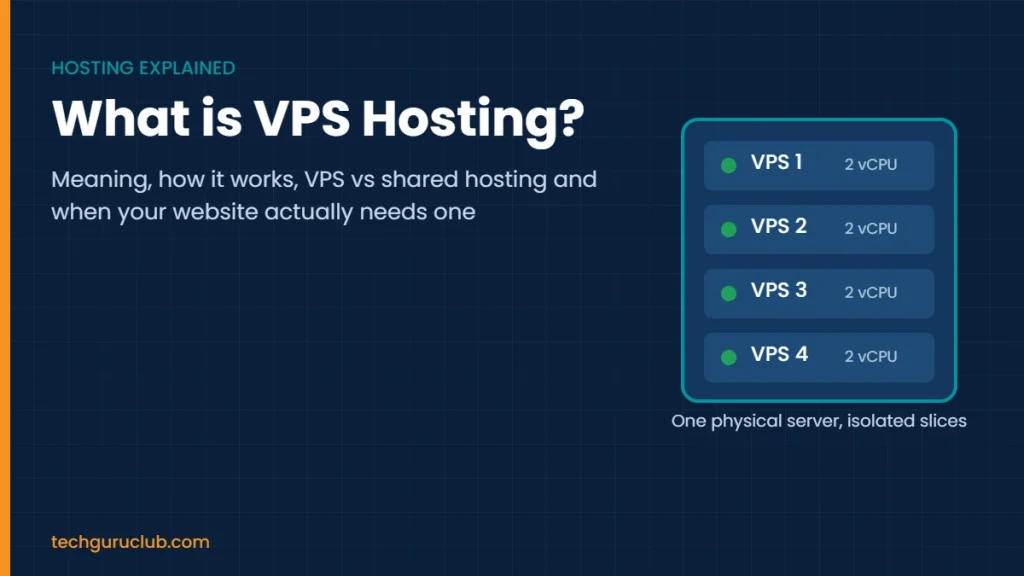
What is VPS Hosting? Meaning, How It Works and VPS vs Shared Hosting
VPS hosting (Virtual Private Server hosting) gives your website or application its own reserved slice of a powerful physical server. You get a fixed share of CPU, RAM and storage that no other customer can touch, plus full root or administrator access to install whatever you need. It sits between cheap shared hosting, where hundreds of sites share one pool of resources, and an expensive dedicated server, where you rent the whole machine.
In this guide we explain what a VPS server is, how it works, how it compares with shared and dedicated hosting, and how to tell whether your website actually needs one.
VPS hosting meaning in simple words
Picture a large building. Shared hosting is a hostel room: cheap, but you share the kitchen, bathroom and Wi-Fi with everyone, and one noisy neighbour ruins your night. A dedicated server is an independent house: all yours, but expensive and you maintain everything. A VPS is a flat in a good society: your own locked space with your own electricity meter, even though the building is shared.
Technically, a virtual private server is a virtual machine. Special software called a hypervisor splits one physical server into several isolated machines. Each one runs its own operating system, gets its own guaranteed resources and behaves like a separate computer.
How does a VPS server work?
- The physical server: a data centre runs a high-end machine with many CPU cores, a large amount of RAM and fast NVMe or SSD storage.
- The hypervisor: virtualisation software such as KVM (Kernel-based Virtual Machine) divides that hardware into separate virtual servers.
- Your VPS: you receive a set number of virtual CPU cores (vCPU), a fixed amount of RAM, a storage allocation, a dedicated IP address and root access.
- Isolation: if another VPS on the same machine gets a traffic spike or a malware infection, your resources and files stay unaffected.
Because KVM provides full hardware-level virtualisation, you can run Linux distributions such as Ubuntu, Debian, AlmaLinux or Rocky Linux, or Windows Server, exactly as you would on a physical machine.
VPS vs shared hosting vs dedicated server
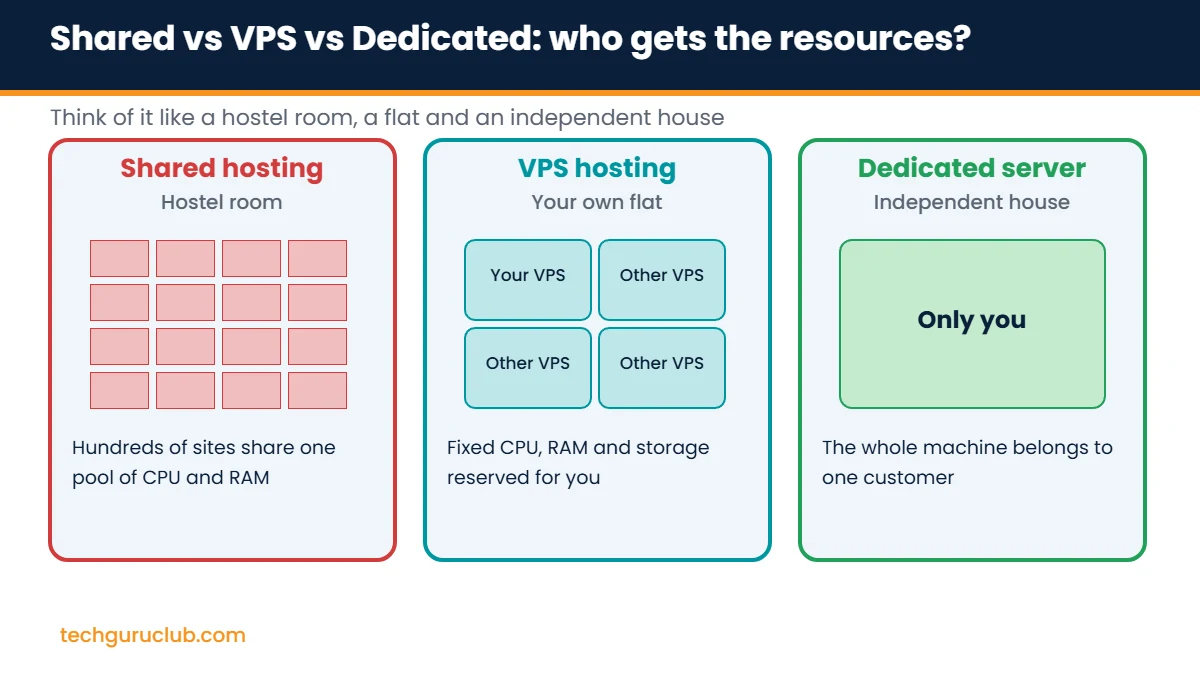
| Feature | Shared hosting | VPS hosting | Dedicated server |
|---|---|---|---|
| Resources | Shared pool, no guarantee | Fixed CPU, RAM and storage reserved for you | Entire physical machine |
| Root access | No | Yes | Yes |
| Performance under load | Drops when neighbours are busy | Consistent | Highest |
| Security isolation | Basic | Strong (separate virtual machine) | Complete |
| Custom software (Docker, Node.js, custom PHP) | Limited | Install anything | Install anything |
| Technical skill needed | Very little | Moderate, or choose managed | High |
| Typical cost | Lowest | Mid-range | Highest |
If you are deciding between the two lower tiers, our guide to the best web hosting for small business in India covers when shared hosting is still the right call.
What about cloud hosting vs VPS?
The terms overlap. Many providers, us included, call their VPS plans “cloud VPS”. The practical difference is billing and scaling. A classic VPS has a fixed plan you upgrade when needed. Hyperscale cloud platforms (AWS, Azure, Google Cloud) bill by the hour, scale automatically and suit large applications, but cost more and are harder to predict. For most Indian SMEs, a VPS with a fixed monthly price is simpler to budget.
Who should use VPS hosting?
- Growing business websites that have outgrown shared hosting.
- Online stores on WooCommerce, Magento or OpenCart that need steady speed during sales.
- Developers and agencies hosting several client sites or staging environments.
- SaaS tools, ERPs and custom web apps that need specific software versions.
- Remote desktop and accounting software such as Tally on a Windows VPS, so staff can work from anywhere.
- Self-hosted tools like a VPN, mail server, CRM, Git server or monitoring dashboard.
6 signs your website needs a VPS
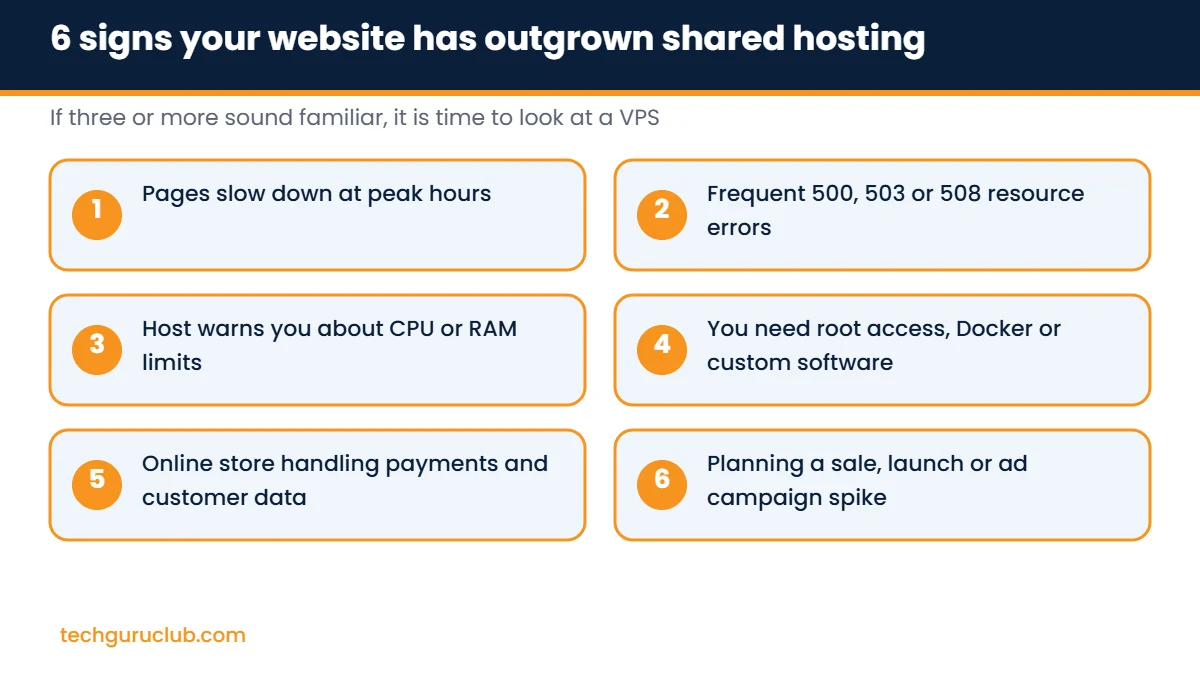
- Pages slow down at peak hours even though your own traffic has not changed much.
- You see 500, 503 or 508 errors, which on shared hosting often mean you hit a resource limit.
- Your host warns you about CPU or memory usage, or suspends the account.
- You need root access to install Docker, Redis, a newer PHP version or a background worker.
- You handle payments or customer data and want stronger isolation from other accounts.
- A traffic spike is coming from a sale, product launch or ad campaign.
If three or more of these sound familiar, a VPS is worth pricing up.
Managed vs unmanaged VPS
- Unmanaged (self-managed) VPS: you get the server and root access. Updates, security patches, backups and troubleshooting are your job. Cheaper, and ideal if you or your developer know Linux.
- Managed VPS: the provider or an IT partner handles server administration, patching, monitoring and backups. You pay more, but focus on your business instead of the command line.
A middle path that works well for many small teams: take a self-managed VPS and install a control panel such as cPanel, Plesk or the free Webmin, so routine tasks happen through a dashboard.
How to choose the right VPS plan
- vCPU and RAM: a single WordPress business site runs comfortably on 2 to 4 vCPU and 4 to 8 GB RAM. Stores, multiple sites and apps need more.
- Storage type: NVMe is noticeably faster than SATA SSD for databases. Choose NVMe where the price difference is small.
- Bandwidth and port speed: check the port speed (for example 200 Mbit/s or 1 Gbit/s) and any traffic limits.
- Data centre location: pick one close to your visitors. For Indian audiences, an India region keeps latency low.
- Backups and snapshots: a snapshot before every update is a cheap insurance policy.
- Operating system and licences: Windows Server licences add cost. Confirm whether the plan price includes them.
- Support: find out who you call at 11 pm when the site goes down, and whether they answer.
VPS hosting at Tech Guru Club
Our VPS hosting plans run on KVM virtualisation with AMD EPYC processors and NVMe or SSD storage. Plans start at ₹599 a month on a 12-month term for 4 vCPU cores, 8 GB RAM and 75 GB NVMe, with snapshots, DDoS protection, full root access and your choice of Ubuntu, Debian, AlmaLinux, Rocky Linux or Windows Server. You can upgrade to a bigger plan from the control panel whenever you need more power.
Pair it with CodeGuard backup for automated website backups and 360 server monitoring to get alerts before your visitors notice a problem.
Frequently asked questions
What is a VPS server used for?
Hosting websites and online stores, running web applications, remote desktops, accounting software, game servers, VPNs, development and staging environments, and self-hosted business tools.
Is VPS hosting good for WordPress?
Yes, especially for WooCommerce stores or busy sites. A small WordPress blog with low traffic usually does fine on good shared hosting, so upgrade when you see the signs listed above.
Is a VPS more secure than shared hosting?
Yes. Each VPS is an isolated virtual machine, so another customer’s hacked site cannot reach your files. You are still responsible for keeping your own software updated, or for choosing a managed plan.
Can I upgrade a VPS later?
Most providers let you move to a larger plan without reinstalling. Moving to a smaller plan usually means migrating to a new VPS.
Do I need technical knowledge to use a VPS?
Basic Linux or Windows Server knowledge helps. If you do not have it, install a control panel or choose managed support.
Not sure if you need a VPS yet?
Share your website address and current hosting plan with our team and we will tell you honestly whether shared hosting, our Premium Cloud Linux Hosting or a VPS is the right fit. Contact Tech Guru Club for a free recommendation.
Related reading: SPF, DKIM and DMARC explained and how to create a business email.


